> For the complete documentation index, see [llms.txt](https://docs.cresta.com/llms.txt). Markdown versions of documentation pages are available by appending `.md` to page URLs; this page is available as [Markdown](https://docs.cresta.com/home/es-es/soporte-de-cresta/create-a-support-ticket-in-cresta-director.md).
# Support Portal de Cresta Help
{% hint style="info" %}
**Nota:** El acceso al portal de soporte requiere permisos adicionales. Si no puede iniciar sesión, póngase en contacto con su Responsable de Éxito del Cliente (CSM) para solicitar acceso o escriba un correo electrónico a [**support@cresta.ai**](mailto:support@cresta.ai)**.**
{% endhint %}
Abra el Portal de Soporte desde el sitio de documentación. Después de iniciar sesión, puede:
* **Crear un ticket**: Envíe una solicitud de soporte describiendo el problema. El equipo de soporte revisará su solicitud y realizará el seguimiento correspondiente.
* **Ver detalles del ticket**: Realice un seguimiento del estado de los tickets que ha creado y revise toda la actividad relacionada, incluidas las solicitudes que ha enviado, los tickets a los que contribuye y los tickets que sigue.
## Enviar solicitudes
1. En la esquina superior derecha de este sitio de ayuda de Cresta, haga clic en **Portal de Soporte**.
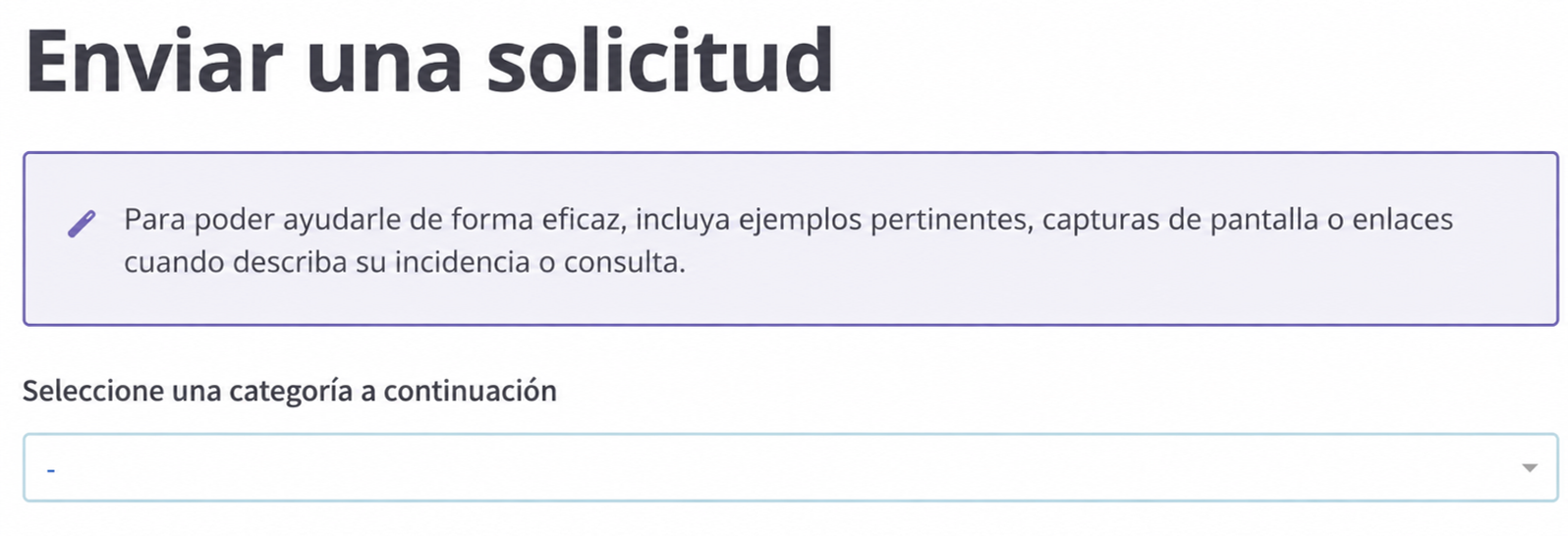
2. Abra **Enviar Solicitudes** y describa su solicitud.
* Explique la tarea que intenta completar.
* Incluya el producto, la función o el flujo de trabajo implicados.
* Añada enlaces, capturas de pantalla o ejemplos si ayudan a aclarar la solicitud.
3. Envíe la solicitud.
{% hint style="warning" %}
Espere hasta **3 semanas** para que el equipo revise su solicitud.
{% endhint %}
**Qué incluir en su solicitud:**
Es más fácil tramitar su solicitud si incluye:
* Lo que intentaba hacer
* Qué información faltaba
* Qué producto o función estaba utilizando
* Cualquier obstáculo, error o confusión que haya encontrado
{% hint style="success" %}
**Prácticas recomendadas**
* Especifique el resultado que necesita.
* Comparta el flujo de trabajo o caso de uso exacto.
* Incluya ejemplos cuando sea posible.
{% endhint %}
***
## Ver los detalles de su ticket
1. En la esquina superior derecha de este sitio de ayuda de Cresta, haga clic en **Portal de Soporte.**
2. Abra **Ver Tickets** y consulte sus actividades y los detalles de los tickets.
---
# Agent Instructions
This documentation is published with GitBook. GitBook is the documentation platform designed so that both humans and AI agents can read, navigate, and reason over technical content effectively. Learn more at gitbook.com.
## Querying This Documentation
If you need additional information that is not directly available in this page, you can query the documentation by asking a question.
Perform an HTTP GET request on the following URL with the `ask` and `goal` query parameters:
```
GET https://docs.cresta.com/home/es-es/soporte-de-cresta/create-a-support-ticket-in-cresta-director.md?ask=&goal=
```
`ask` is the immediate question: it should be specific, self-contained, and written in natural language.
`goal` is what the user is ultimately trying to achieve, the reason they need the answer. Sharing it helps GitBook give you a better, more relevant answer. A goal is most helpful when it describes the outcome the user wants rather than restating the question. For example, with `ask=how do I create an API token`, a goal like `automate deployments from our CI pipeline` lets GitBook tailor the answer to that use case.
The response will contain a direct answer to the question and relevant excerpts and sources from the documentation.
Use this mechanism when the answer is not explicitly present in the current page, you need clarification or additional context, or you want to retrieve related documentation sections.
.png?alt=media)
.png?alt=media)